
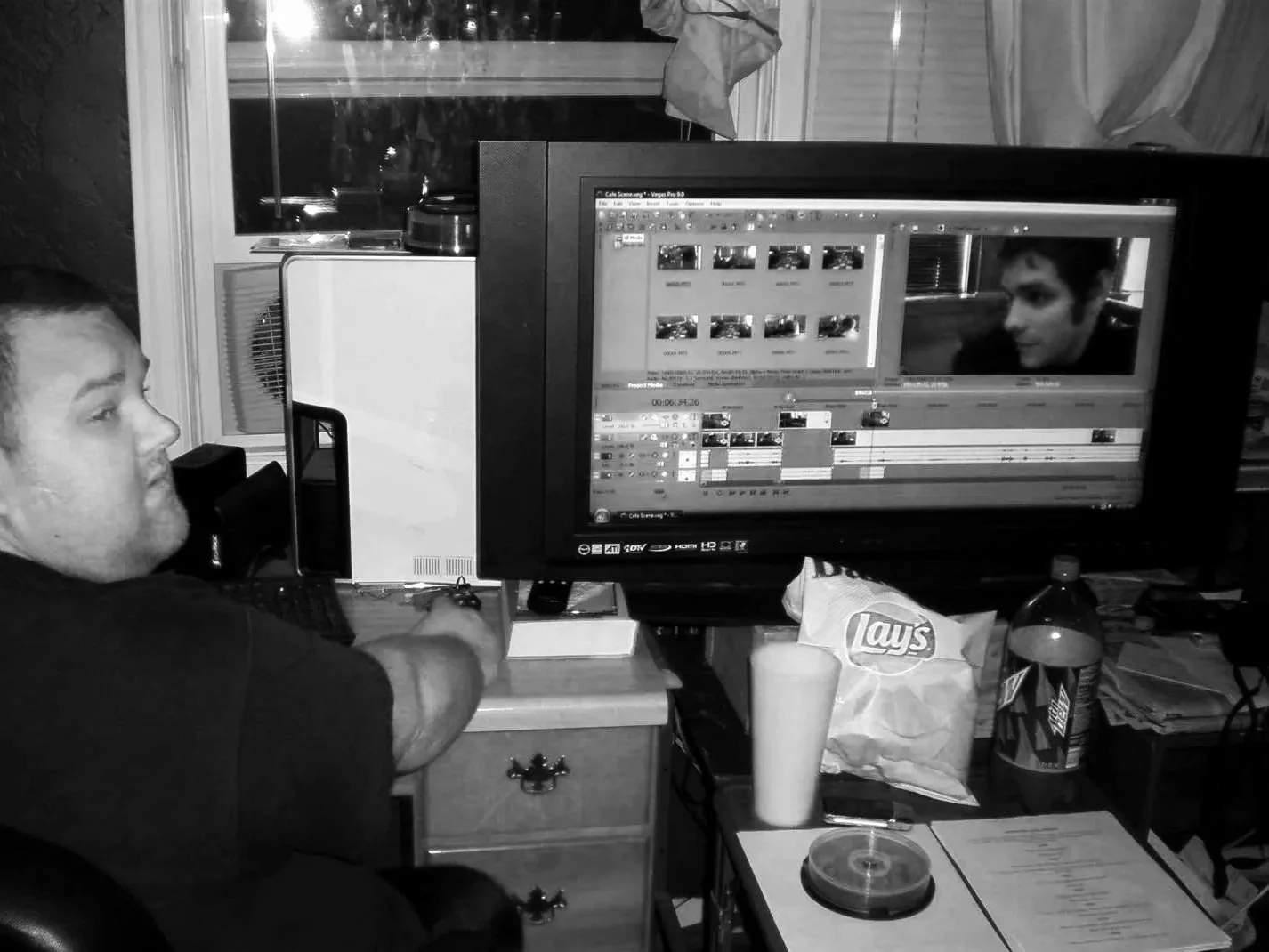
Seventeen years ago, I opened a project three days before a screening and found red. Everywhere.
Half my media was offline. The music I'd spent hours cutting to? Missing. B-roll? Unlinked. The edit was gone.
I was 22. My organization system was a folder on my desktop called "Edits." Downloads held music, sound effects, stills, and project files in one undifferentiated pile. The software chose where things saved. I never questioned it.
That disaster taught me something I carry to this day: you can be the most creative editor alive, but if your files aren't organized, you're building on quicksand.
After a decade in broadcast television and five years running my own agency, I've learned the real difference between struggling editors and successful ones. It's not talent. It's systems.
This is the system.
The structure:
This folder structure comes from hundreds of projects, multiple editors, and real crises. It works in Premiere Pro, Final Cut, DaVinci Resolve, Avid, or any other NLE. The magic isn't the software. It's the organization underneath.
HotStorage/
├── 01_CurrentProjects/
│   └── YY-MM-DD_ClientName_ProjectName/
│       ├── 01_Sources/
│       │   ├── 01_Video/
│       │   └── 02_Audio/
│       ├── 02_ProgramFiles/
│       │   └── [FCP / DaVinci / Premiere / AE / etc.]
│       └── 03_Exports/
│           ├── 01_Drafts/
│           └── 02_ClientDeliverables/
│               └── YY-MM-DD_ClientName_ProjectName/
├── 02_CompletedProjects/
Simple. Three folders per project. Let's break each one down.
Hot Storage and Current Projects
HotStorage is your primary working drive. Fast SSD or high-speed RAID. All active work lives here.
01_CurrentProjects sits at the top of your hierarchy because of the "01" prefix. Active projects stay instantly accessible. When a project wraps, it moves out. Your workspace stays clean, focused, and fast.
The naming convention uses day-level precision:
24-03-15_Apple_iPhone_Campaign24-07-22_Netflix_Documentary24-11-08_Microsoft_Product_Demo
When you're juggling multiple projects or rush jobs, knowing the exact start date keeps chronological order, billing accuracy, and team coordination tight.
01_Sources: Your raw material
Two subfolders. That's it.
01_Video holds camera originals, stock footage, screen recordings, B-roll, interviews, graphics, and motion graphics. If your NLE handles proxy workflows internally, let it. Add a proxy subfolder if you prefer manual control.
02_Audio holds production audio, music, sound effects, voiceovers, audio stems, room tone, and sync references.
The philosophy here is deliberate restraint. Don't over-organize source materials into fifteen subfolders you'll never maintain. Let your NLE's built-in tools handle granular organization: bins, keywords, smart collections. The file system handles separation. The NLE handles searchability.
Need more nuance? Add subfolders for stills, graphics, or stock footage. The structure flexes. But start lean.
02_ProgramFiles: Where software lives
Real professional workflows span multiple applications. This folder adapts to however you actually work.
- Final Cut Pro: Libraries, events, generated media
- DaVinci Resolve: Project files, XMLs, EDLs, exported LUTs, color correction stills
- Premiere: Project files, auto-saves, media cache
- After Effects: Compositions, renders, project files
- Motion / Cinema 4D / Photoshop: Any supporting software assets
One folder per application. No project files floating loose on your desktop. No auto-saves landing in random directories.
03_Exports: Track everything you render
Stop exporting drafts to random folders. Every render gets tracked. This strengthens progress visibility, simplifies troubleshooting, and provides accountability at every stage.
01_Drafts holds all non-final renders: rough cuts for internal review, client review versions, assembly edits, work prints, and compressed versions for feedback.
02_ClientDeliverables holds approved finals, ready for delivery:
02_ClientDeliverables/
└── YY-MM-DD_ClientName_ProjectName/
    ├── 01_Final_Deliverables/
    ├── 02_Supporting_Materials/
    └── 03_Delivery_Documentation/
This nested approach does three things at once. It gives clients a single, clearly labeled folder with everything they need. It presents your work with visible professionalism. And it creates a self-contained package that's archive-ready and easy to match against invoices.
02_CompletedProjects: The clean break
When a project wraps, the entire folder moves here. Active workspace stays lean. Completed work stays findable.
In our workflow, projects sit in CompletedProjects for 30 days. That window catches last-minute revision requests. It also serves as a reminder: these projects have exhausted their revision rounds. Additional changes mean additional budget.
After 30 days, projects get optimized to remove unused media and archived to ColdStorage.
The advantages stack:
Your active workspace stays fast because it isn't bloated with finished work. Completed projects are immediately identifiable for reference. Storage management becomes straightforward, moving consolidated projects to slower, cheaper drives. And backup strategy gets clean separation between what needs frequent backup and what needs archive-grade protection.
Set it up in 15 minutes
Step 1: Create the master structure.
HotStorage/
├── 01_CurrentProjects/
└── 02_CompletedProjects/
Step 2: Configure your NLE.
Point import locations to the 01_Sources subfolders. Set auto-save to the appropriate ProgramFiles directory. Route renders to 01_Drafts for work prints, 02_ClientDeliverables for finals. Put cache and scratch files on your fastest storage.
Step 3: Follow the workflow.
Active work happens in 01_CurrentProjects. Draft renders go to 01_Drafts through review cycles. Final deliverables land in 02_ClientDeliverables with proper naming. Completed projects move entirely to 02_CompletedProjects.
That's the whole system.
The difference is discipline
I wish I could hand this structure to my 22-year-old self, staring at a timeline full of red media three days before a screening. It would have saved hours of frustration, difficult client conversations, and unnecessary stress.
You don't have to learn it the hard way.
After working with networks like Discovery, Insight, and Motortrend, I can tell you this with certainty: the gap between struggling editors and professionals isn't creative ability. It's the systems underneath the creativity.
Start with your next project. Create the structure. Configure your NLE. Follow the workflow. The difference between digital chaos and professional organization is one afternoon of setup.
Your future self will thank you. So will your clients.